Fatal error 0x8013132d debugging .NET 10 applications in Visual Studio
A workaround for a fatal error while trying to debug a .NET 10 application in Visual Studio
Trying to debug an Aspire .NET 10 application in Visual Studio today and hitting this error:
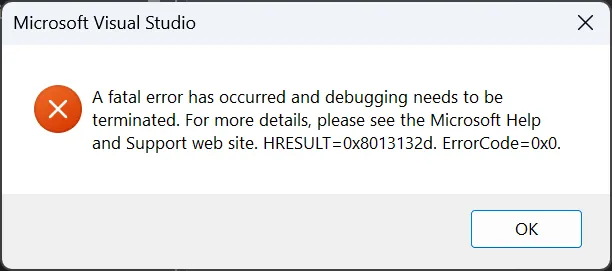
A fatal error has occurred and debugging needs to be terminated. For more details, please see the Microsoft Help and Support web site. HRESULT=0x8013132d. ErrorCode=0x0.
A bit of searching online turned up this bug report on the Microsoft Developer Community site.
That was eventually forwarded to the .NET runtime repo on GitHub where it was identified as relating to a breaking change introduced in .NET 9
This change improves the security of .NET applications, but in this case is stopping me from being able to debug.
You can opt out of this new behaviour by adding the following property to your csproj:
<CETCompat>false</CETCompat>Given in my case the problem only happens when I’m debugging, then it would be preferable to leave this new feature on by default, so I’ve added a condition to the property like this:
<CETCompat Condition="'$(Configuration)' == 'Debug'">false</CETCompat>In my Aspire AppHost csproj file, the PropertyGroup element looks like this:
  <PropertyGroup>
    <OutputType>Exe</OutputType>
    <TargetFramework>net10.0</TargetFramework>
    <ImplicitUsings>enable</ImplicitUsings>
    <Nullable>enable</Nullable>
    <UserSecretsId>00000000-0000-0000-0000-000000000000</UserSecretsId>
    <CETCompat Condition="'$(Configuration)' == 'Debug'">false</CETCompat>
  </PropertyGroup>